I am late writing about week seven but it was a very interesting introduction to the library by the lovely Jess. I tried to take note of the key things to remember so here is a summary:
The session was focussed on the online resources.
Reasons to use the library:
- Library books magazines and materials
- Computers and printing
- Study space
- Help and support
There is a useful online guide (https://arts.ac.libguides.com/welcome) and we can also contact librarian through that site. We will have a named librarian to contact but they are currently being hired so we just need to wait for them to be onboarded.
There are library and digital skill workshops available, both online and in-person. We can book onto Academic support online. These are useful for supporting our research skills.
There are physical resources like books, magazines, journals, DVDs, and the interesting Materials and Products collection.
Materials and Products – for use in design, art, making. Samples of different products. Open access collection to be used when the library is open. Touch them, smell them, feel them, etc that can be used in library but can’t be taken away.
There are online collections for:
- eBooks
- Online articles and magazines
- Images and artowrks
- Video, TV, film
- Reports and analysis
The main way to access is through library search: www.libsearch.arts.ac.uk.
I haven’t yet visited the library in person but I hope to go. There are three floors at CSM:
Floor 1 – digital resources, printing and helpdesks
Floor 2 – group library study
Floor 3 – individual study
We can go to any of the other libraries at the other colleges. Ostensibly Chelsea is closer to where I live but I think I’d like to try CSM first.
We can use our student card to check out any resources from any of the libraries. Up to 30 things per term! Wow!
We did some activities during the session which I found interesting.
The first was to explore the library search capabilities. It was fairly straightforward but it took me a little while to figure out where I was supposed to be searching.
We looked at some of the many databases available. My favourite was one called Credo where it creates mindmaps for subjects. It was really interesting.
I searched up Constructivism and got this:
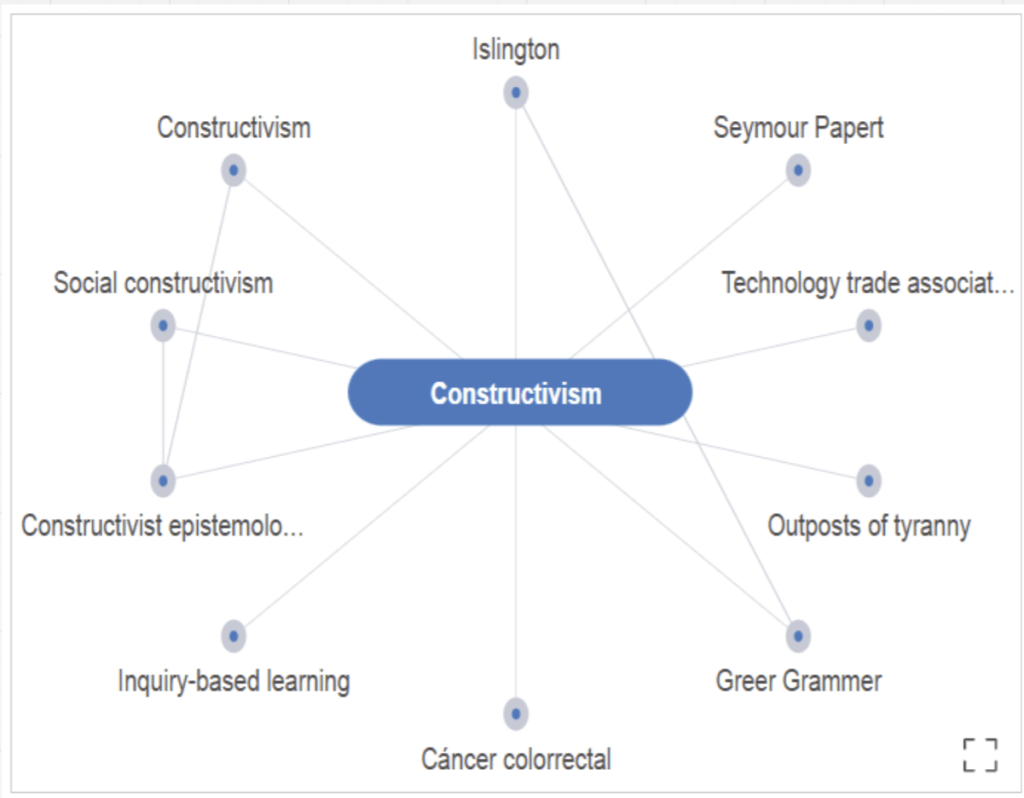
I went down a rabbithole with the mindmap and ended up looking at AI pattern generators! Am wondering now if I can combine my love of data with patterns to create work that would still fall within the Constructivist approach?
We looked at different ways to search the eBooks. I searched for Constructivism and found 10 results from UAL library search, and 309 results from ProQuest which is one of the library databases available.
I tried Google Scholar which I didn’t even know existed and also found some great results. https://scholar.google.com/
We did a group activity where we searched for a topic in different ways and recorded the results. My group started looked at “Performance Art” which was too broad but through looking at a mindmap we found Allan Kaprow so focussed on him. This led us to the Fluxus movement which linked to Yoko Ono. We learned a lot in a short time!
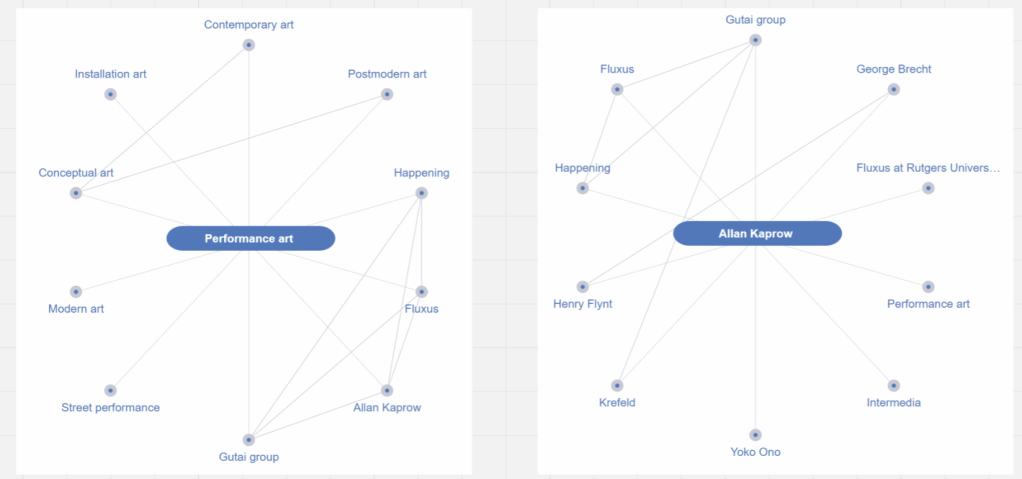
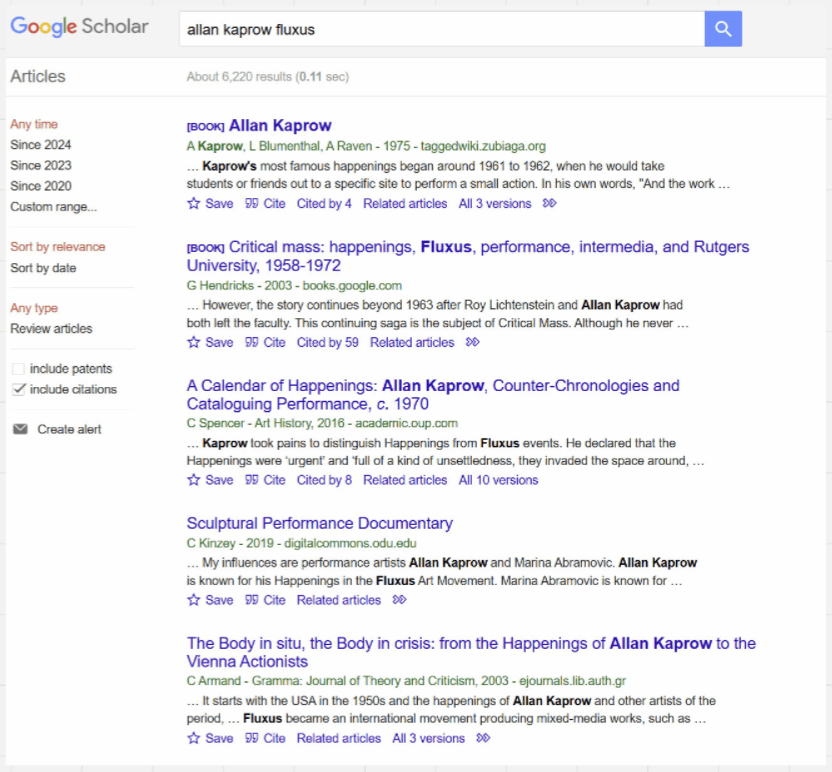
We also did some image searches and streaming searches which yielded loads of results. After the session I lost myself in looking up Constructivism in these areas. It gave me loads of ideas and is helping me form ideas for my study statement.
All in all a very useful session! I had no idea of the wealth of resources available.
Links:
http://www.libsearch.arts.ac.uk
https://arts.ac.libguides.com/welcome
https://arts.ac.libguides.com/
https://arts.ac.libguides.com/fineartpracticetheoryandhistory
https://academicsupportonline.arts.ac.uk/ – you will need to log in to search online sessions
https://arts.ac.libguides.com/Materials
https://arts-ac.libwizard.com/f/gettingstarted
Miro: https://miro.com/app/board/uXjVLIjHIBg=/?share_link_id=760306522808
https://scholar.google.com/
https://arts.ac.libguides.com/welcome/articles
 Sophie Ashdown
Leave a comment